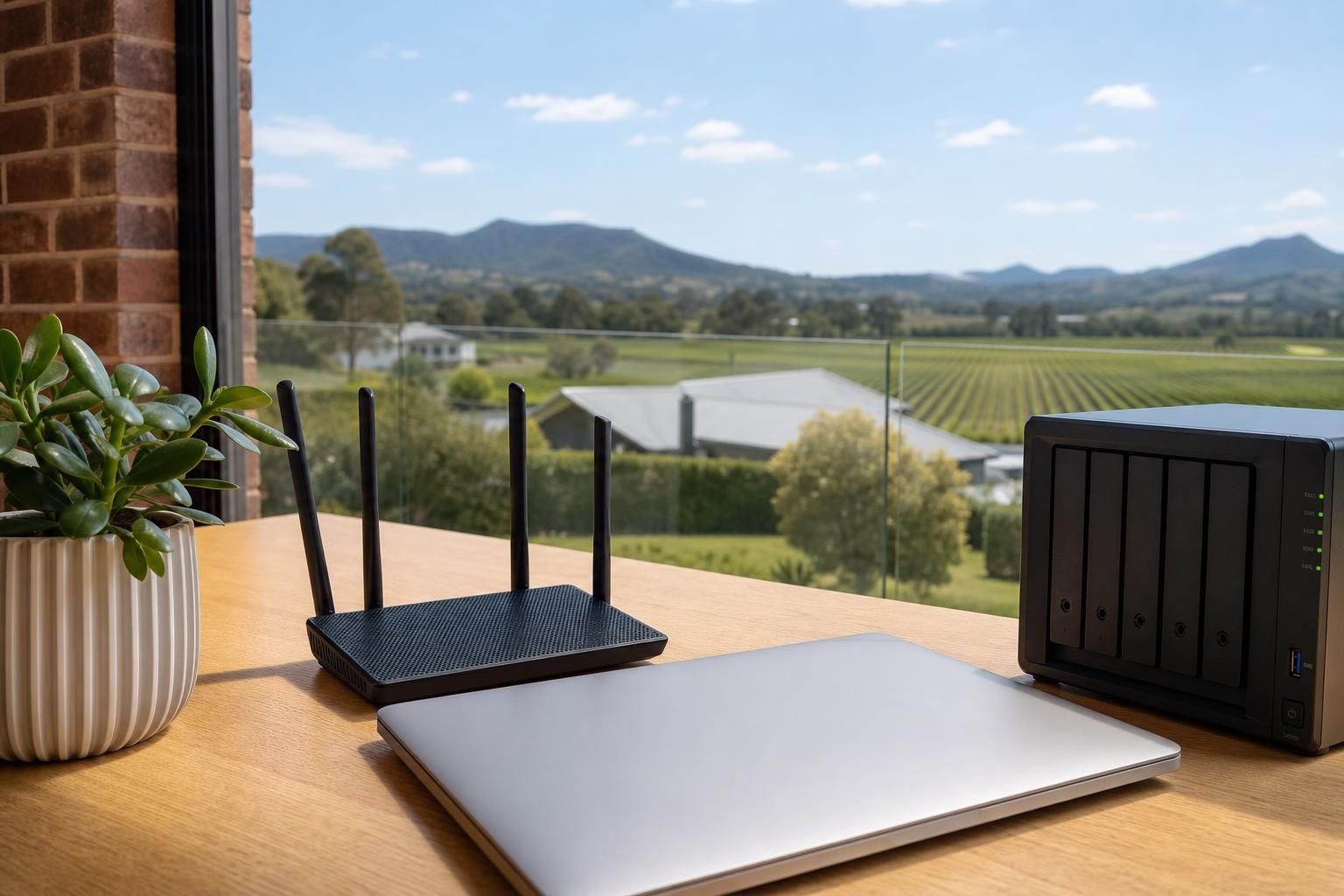
What are managed IT services, and what do they cover?
Managed IT means you pay a monthly fee and an IT provider takes ongoing responsibility for your computers, network, backups and security, instead of you calling someone each time something breaks. For a small business in Cessnock that usually covers: monitoring and patching every machine, antivirus and security tools, managed backups, help desk support during business hours, onsite visits when a problem needs hands on it, and someone who knows your setup when the internet drops or a staff member gets a dodgy invoice email.
The difference from "break-fix" is who carries the risk. Break-fix means you pay per hour, per problem, and the provider earns more when things go wrong. Managed means a predictable monthly cost and the provider has a reason to stop problems happening. Most Hunter businesses with five or more staff end up better off on managed, because the hidden cost of break-fix is not the invoice, it is the half day nobody could work.

Do you actually need it?
Be honest about your situation before you buy a plan.
You probably need managed IT if: you have staff who cannot do their job when a computer is down, you hold customer data, you take payments or handle invoices by email, you have compliance obligations, or you currently have no idea whether your backups are working.
You probably do not yet if: you are a sole trader with one laptop and a phone, everything lives in Microsoft 365 or Google, and you can afford a day offline. Ad hoc support and a solid backup will serve you better. Pay for help when you need it, and spend the difference on decent hardware.
The middle ground is real too. Plenty of Cessnock businesses with two or three staff buy a small monthly plan that covers security, backup and unlimited phone support, and pay hourly for anything onsite.
What is usually included, and what is usually extra
Ask for this in writing. "Full IT support" means nothing until someone lists it.
| Item | Normally in the monthly fee | Normally extra |
|---|---|---|
| Remote help desk | Yes, within stated hours | After hours, weekends |
| Monitoring and patching | Yes | - |
| Antivirus / endpoint security | Usually, licence included | Advanced tools, staff training |
| Managed backup | Often, up to a data limit | Large data volumes, full recovery work |
| Onsite visits | Sometimes capped, sometimes hourly | Travel outside the service area |
| New PC setup / staff onboarding | Rarely | Yes, per device or per hour |
| Microsoft 365 / cloud licences | No, billed at cost | Yes |
| Projects: server, office move, migration | No | Quoted separately |
| Hardware | No | Yes |
The traps are onsite visits and data limits. A cheap per-user price that bills every site visit at an hourly rate is not cheap in a year where you have three of them.

What affects the price
Nobody can quote managed IT honestly over the phone in two minutes. What moves the number:
- Number of users and devices. Most plans are priced per user or per device per month. A user with a desktop, a laptop and a mailbox costs more to support than a user with one machine.
- Servers and on-premise gear. A physical server, a NAS or a point of sale system adds monitoring, patching and backup work.
- How much data you back up and how fast you need it back. Backing up 200GB of documents is not the same job as backing up a design studio's working files with a same-day recovery target.
- Response time promised. A one hour response commitment costs more than "next business day".
- Hours covered. Business hours only, or evenings and weekends.
- The state of what you have now. If half the machines are on unsupported Windows versions and nothing has been patched in two years, expect an onboarding or remediation fee to get to a baseline the provider can actually support.
- Compliance and insurance requirements. If your insurer or a head contractor requires multi-factor authentication, logging or written security policies, that is more work.
- Travel. Cessnock, Kurri Kurri, Branxton, Maitland and Singleton are all different drives. Ask whether travel is included.
What good managed IT looks like
- Backups are tested, not just running. Someone restores a file occasionally and proves it works.
- You get a named person or a small team who know your business, not a ticket number and a stranger every time.
- Multi-factor authentication is on, on every mailbox, without you having to ask.
- Documentation exists: what hardware you own, what licences you pay for, what the WiFi password is, where the backups go. You own a copy.
- Problems get explained in words you use. If you cannot repeat the explanation to your bookkeeper, it was not an explanation.
- They tell you when something is not worth fixing.
Warning signs
- No written scope. Just a monthly figure and a handshake.
- A long lock-in contract with no exit process for your data and admin passwords.
- They hold the domain, the 365 tenant or the admin accounts in their own name and will not give you owner access.
- Every conversation ends in a hardware quote.
- They cannot tell you when your backup last completed.
- Security is treated as an optional upsell rather than part of the job. The Australian Cyber Security Centre publishes the Essential Eight as a baseline, and a provider should at least be able to tell you where you sit against it.
Questions to ask before you sign
- What exactly is included, and what gets billed on top?
- What is your response time, and is that a promise or a hope?
- Who answers the phone at 8am on a Monday?
- How do you back up, where does it go, and when did you last test a restore?
- What happens if we leave? Who owns the accounts and documentation?
- Do you charge travel to Cessnock or the wider Hunter?
- Can you support the specific software we run, not just email and Windows?
Before you commit: fix the obvious things
Some businesses find they need less than they thought once the basics are sorted. Turning on multi-factor authentication, getting a real backup in place, and moving the right things to cloud services removes a lot of the day-to-day breakage. So does sorting out coverage properly if staff keep dropping off the network, which is more often an access point problem than an internet problem. Our guide to extending WiFi range covers what usually causes it.
And if what you really have is one sick machine rather than a systems problem, a straight computer repair is the cheaper answer.
One local option
Galvo's IT Solutions provides managed IT, cyber security, cloud services, backup and recovery, and network setup for homes and small businesses across Cessnock and the Hunter Valley, including onsite work when a problem needs someone in the room. If you want a plain conversation about what your business actually needs before anyone quotes a monthly figure, get in touch.
FAQ
Can I start with a smaller plan and add to it?
Usually yes, and it is often the sensible way in. Start with security, backup and remote support, then add onsite cover or faster response times once you know how often you actually need them.
We already have an IT person who does a few hours a week. Is managed IT worth it on top?
It can be, if the gaps are monitoring, patching and after-hours cover, which are hard for one part-time person to do consistently. The question to answer first is what happens when that person is on holiday and a server goes down.
Does managed IT include fixing a laptop that gets dropped?
Generally no. Physical damage and hardware replacement are separate from a support plan. The plan covers getting you working again quickly, usually by putting you on a spare machine and restoring your data, while the damaged unit is repaired or replaced.